

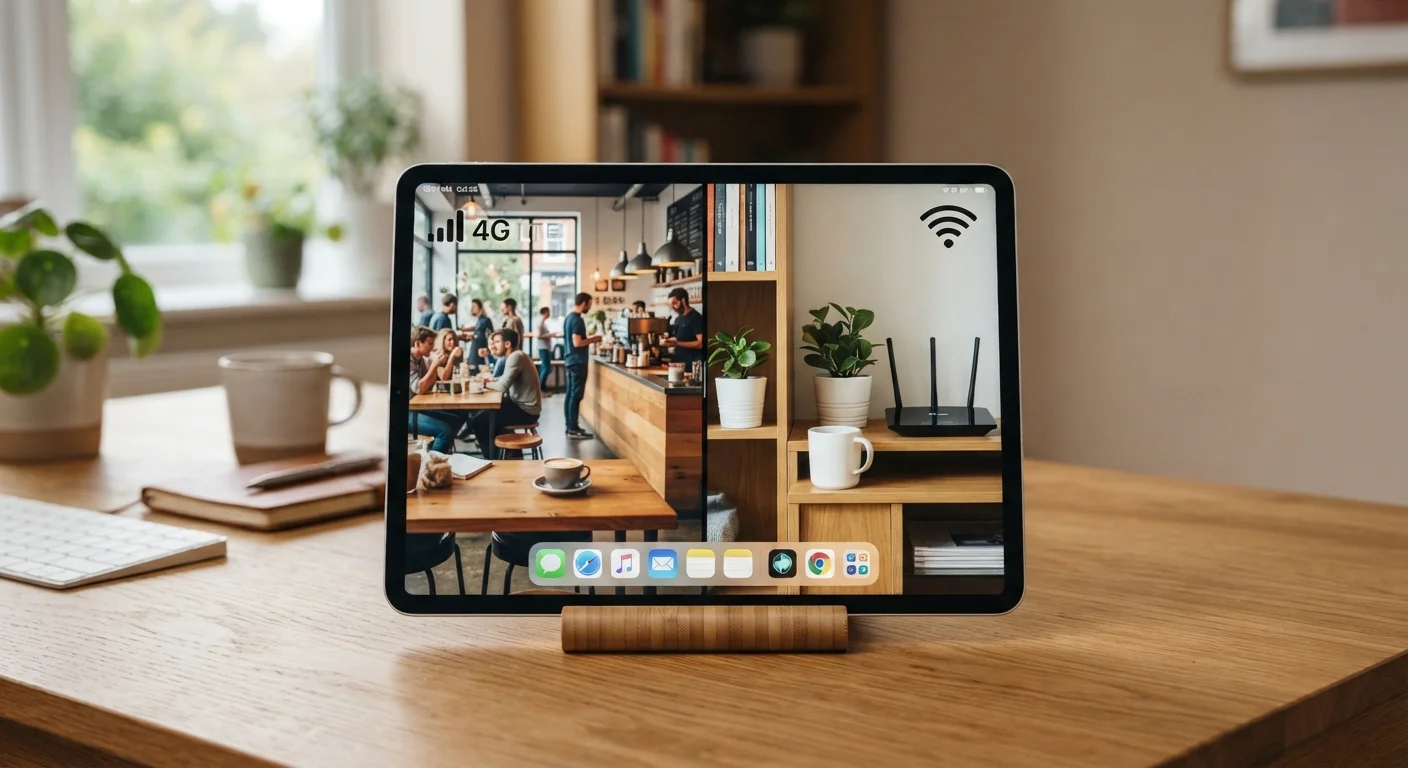
Key Takeaways
Connectivity independent of Wi-Fi availability
Cellular tablets connect to carrier networks anywhere there's signal coverage, eliminating dependence on hotspot availability or password-protected networks.
Avoids public Wi-Fi security risks
Using a cellular connection in public venues bypasses shared networks that can expose your data to interception on poorly secured access points.
Eliminates need to tether from your phone
Hotspot tethering drains smartphone battery and can be throttled by carriers; a dedicated tablet data plan sidesteps both problems.
Reliable for mobile work and frequent travel
For users who depend on their tablet as a productivity tool in transit, cellular removes friction and provides consistent, predictable access.
Higher upfront hardware cost
Cellular-capable tablet models typically cost $50–$150 more than their Wi-Fi-only counterparts for the same storage and specs.
Ongoing monthly data plan expense
U.S. carrier tablet plans commonly add $10–$35 per month to your bill, which compounds to hundreds of dollars over a typical device lifespan.
Slightly shorter battery life
The additional cellular radio hardware draws power even when not actively transmitting, contributing to modestly reduced battery longevity compared to Wi-Fi-only equivalents.
Redundant for mostly home-based users
If the tablet stays home or in Wi-Fi-covered environments most of the time, the cellular hardware and plan are expenses that deliver little practical benefit.
Our Verdict
A cellular tablet earns its extra cost if you regularly work or travel in places where reliable Wi-Fi is unavailable or untrusted. For most home-based or office users, a Wi-Fi-only model paired with a good router covers the overwhelming majority of real use cases at a meaningfully lower total cost.
Frequent travelers, mobile workers, and anyone who uses a tablet heavily in transit will get the most value from cellular connectivity.
What You're Actually Paying For
When you choose a cellular-capable tablet over a Wi-Fi-only version, you're paying twice: once at purchase (cellular models typically carry a $50–$150 hardware premium), and then again each month for a data plan. Carrier tablet data plans in the U.S. commonly run between $10 and $35 per month when added to an existing smartphone account, though standalone plans cost more.
That monthly fee buys access to the carrier's LTE or 5G network without relying on a nearby Wi-Fi access point. To understand when that actually matters versus when it's redundant, see our guide on 5G, LTE, and Wi-Fi differences.
The hardware difference matters too. Cellular tablets contain an additional radio module and, in some cases, a physical SIM or eSIM slot. That extra component adds a small amount of weight and contributes to modestly reduced battery life compared to equivalent Wi-Fi-only versions of the same device.
The Case for Adding a Cellular Plan
Connectivity independent of Wi-Fi availability
Cellular tablets connect to carrier networks anywhere there's signal coverage, eliminating dependence on hotspot availability or password-protected networks.
Avoids public Wi-Fi security risks
Using a cellular connection in public venues bypasses shared networks that can expose your data to interception on poorly secured access points.
Eliminates need to tether from your phone
Hotspot tethering drains smartphone battery and can be throttled by carriers; a dedicated tablet data plan sidesteps both problems.
Reliable for mobile work and frequent travel
For users who depend on their tablet as a productivity tool in transit, cellular removes friction and provides consistent, predictable access.
The strongest argument for cellular is reliability independence. Public Wi-Fi at airports, hotels, and coffee shops is inconsistent in speed and carries real security risks — connecting to an unencrypted or poorly managed network exposes your traffic to potential interception. A cellular connection bypasses that entirely.
Hotspot tethering from your smartphone is a popular workaround, but it has real limits: it drains your phone's battery faster, adds a layer of latency, and some carrier plans throttle hotspot data speeds or cap hotspot usage below your overall data allowance.
If you use your tablet for video calls, large file transfers, or navigation while commuting or traveling frequently, cellular pays for itself in reduced friction — you don't have to manage connections, negotiate hotel Wi-Fi portals, or keep your phone nearby and charged at all times.
The Case for Staying Wi-Fi-Only
Higher upfront hardware cost
Cellular-capable tablet models typically cost $50–$150 more than their Wi-Fi-only counterparts for the same storage and specs.
Ongoing monthly data plan expense
U.S. carrier tablet plans commonly add $10–$35 per month to your bill, which compounds to hundreds of dollars over a typical device lifespan.
Slightly shorter battery life
The additional cellular radio hardware draws power even when not actively transmitting, contributing to modestly reduced battery longevity compared to Wi-Fi-only equivalents.
Redundant for mostly home-based users
If the tablet stays home or in Wi-Fi-covered environments most of the time, the cellular hardware and plan are expenses that deliver little practical benefit.
For a large portion of tablet users, cellular connectivity is a feature they pay for but rarely use. Consider the actual pattern: most tablets are used at home, at work, or in locations — like schools, libraries, or friends' homes — where Wi-Fi is readily available.
If your use case is streaming video on the couch, video calling family, reading, note-taking, or light creative work, a Wi-Fi-only model is almost certainly sufficient. Pairing it with a strong home network covers the vast majority of sessions. Our article on whole-home Wi-Fi systems vs. traditional routers can help you eliminate the dead zones that make Wi-Fi feel unreliable indoors.
Over a two-year period, a $20/month cellular plan adds up to $480 in data costs alone — on top of the hardware premium. That's a meaningful sum that could fund accessories, storage upgrades, or a future device.
$480+
Two-year cost of a $20/month tablet data plan
At a common mid-tier carrier add-on rate of $20/month, a tablet data plan adds over $480 to the device's total cost of ownership over 24 months.
$50–$150
Typical cellular hardware premium over Wi-Fi-only
Across major tablet lines, the cellular-capable version of the same model generally carries a price premium in this range at standard retail pricing.
Factors That Should Drive Your Decision
Rather than thinking about features in the abstract, work through these practical questions:
- Where do you use your tablet most? If the answer is primarily at home or at a fixed workplace, Wi-Fi-only is likely the practical choice.
- How often are you in transit without phone access? If your phone is always nearby and on a generous data plan, tethering may be sufficient — though it comes with the trade-offs noted above.
- Do you travel frequently for work? Cellular makes the most sense for road warriors who rely on a tablet as a productivity tool in unpredictable environments.
- What's your carrier's tablet data pricing? Adding a tablet to a multi-line family plan is often cheaper than a standalone plan. The economics shift significantly based on your existing account.
Size and portability also shape this decision. A larger tablet is more likely to stay home; a compact model is more likely to travel. See our breakdown of what different tablet sizes actually feel like to match form factor to lifestyle before settling on connectivity.
eSIM Changes the Flexibility Equation
Many newer cellular tablets support eSIM — an embedded SIM that lets you activate a carrier plan digitally without a physical SIM card. This makes it practical to activate service only when you need it, such as during a trip, and pause it when you don't. If you're on the fence, choosing a cellular model with eSIM support gives you the option to add service later without committing to it upfront. Check with your carrier about plan flexibility before assuming month-to-month activation is available.