

Key Takeaways
Why Smart Home Privacy Deserves Deliberate Attention
Smart home devices — thermostats, door locks, cameras, speakers, lighting controllers — are designed to collect data. That's not a flaw; sensing and learning from usage patterns is how they deliver their promised functionality. But the scope of what gets collected, where it goes, and how long it's retained varies significantly by manufacturer and device type.
Most users accept default settings during setup without reviewing them. Those defaults are generally configured to maximize data collection, not minimize it. Understanding what you're agreeing to — and which settings can be changed — is the practical foundation for any privacy approach. Our overview of what smart home technology actually does provides useful context if you're earlier in this process.
What 'Data Collection' Actually Means in Practice
Smart home data collection typically includes device usage logs (when a switch was activated, what temperature was set), network identifiers, location data, and — for audio or video devices — media captures. This data is generally used for product improvement, personalization, and in some cases third-party advertising or analytics partnerships. The specific categories and third parties involved are disclosed in each manufacturer's privacy policy, which is the authoritative source for any individual device.
Core Practices for Reducing Data Exposure
No approach eliminates data collection entirely — but deliberate configuration choices can significantly narrow what leaves your home and who has access to it.
Read the privacy policy for each device before connecting it to your network.
Privacy policies disclose what data categories are collected, how long they're retained, and whether data is shared with third parties. Without reading them, you're accepting unknown terms. Many devices collect more than their core feature requires — usage patterns, location data, and voice clips are common examples.
Disable features you don't actively use, especially microphones and cameras.
Hardware features that are enabled but unused still represent an active data collection point. Disabling them in software — or using physical switches where available — directly reduces what can be captured. This is especially relevant for combo devices that bundle a speaker, camera, and display.
Segment smart home devices onto a separate network from primary computing devices.
Network segmentation limits lateral movement: if a smart device is compromised, it cannot directly communicate with your laptop, phone, or network-attached storage. This is a foundational security and privacy control used in enterprise environments and increasingly accessible to home users.
Enable automatic firmware updates, or check for updates manually on a regular schedule.
Security vulnerabilities are discovered continuously in connected devices. Manufacturers issue patches to address known flaws, but those patches only protect you if installed. Devices running outdated firmware are exposed to vulnerabilities that may already have public exploits.
Prefer devices that support local processing over those requiring continuous cloud connectivity.
Devices that process commands and automate locally — through a hub or on-device — transmit less data to external servers by design. Cloud-dependent devices send every interaction to manufacturer infrastructure, creating a larger and more persistent data footprint.
Periodically audit which devices are connected to your network and remove inactive ones.
Devices that are no longer in regular use continue to operate, receive connections, and potentially collect data. An audit helps identify forgotten devices — old smart plugs, retired cameras — that can be removed to reduce the network's attack surface.
Network Architecture as a Privacy Tool
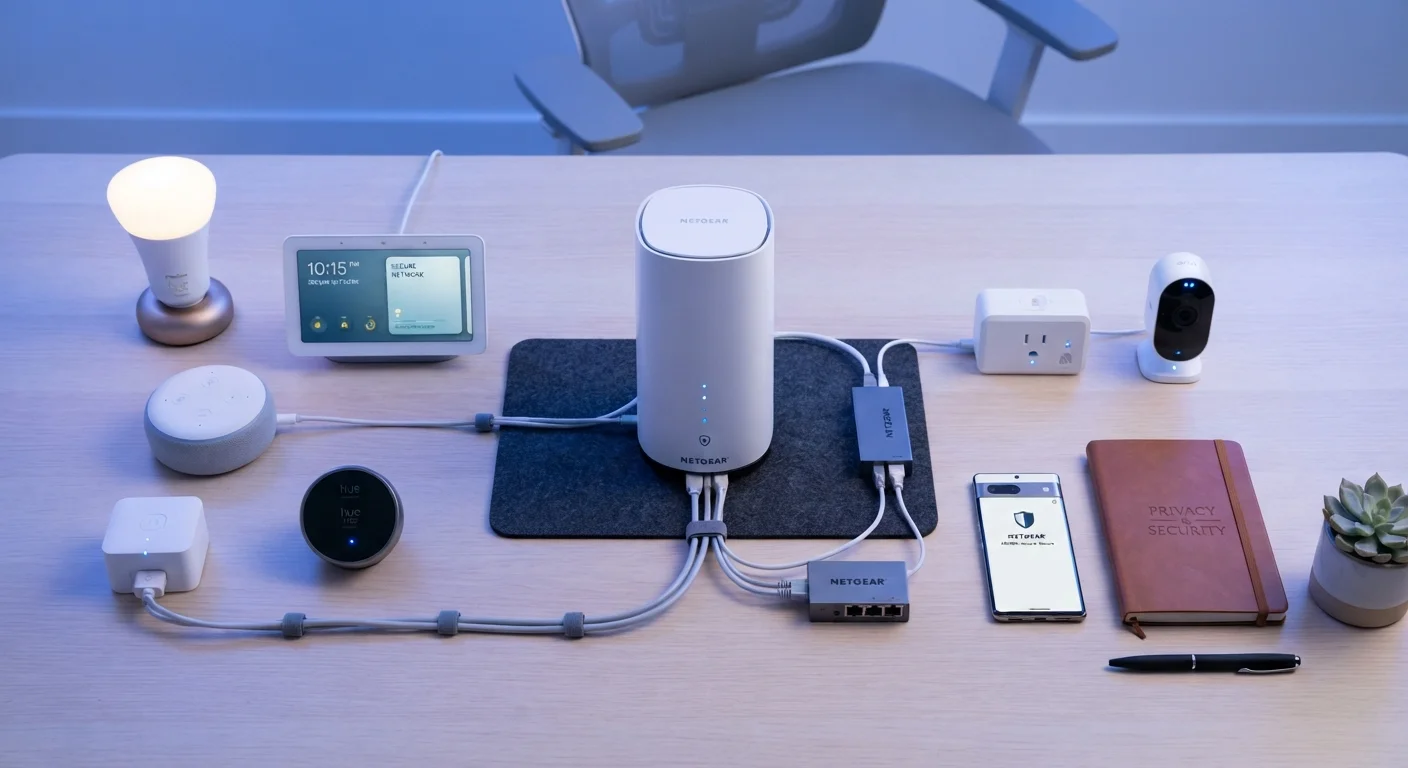
How your home network is structured has a direct impact on your privacy posture. Most home routers support a guest network — a separate wireless segment isolated from your primary devices. Putting smart home devices on a dedicated network segment (sometimes called an IoT VLAN on more capable routers) prevents a compromised smart bulb or camera from having direct access to laptops, phones, or storage drives on your main network.
The wireless protocols your devices use also influence your exposure. Devices using Zigbee or Z-Wave communicate locally through a hub rather than connecting directly to the internet, which limits the surface area for external data collection. Wi-Fi devices typically communicate directly with manufacturer cloud servers unless configured otherwise.
Voice Assistants and Always-On Listening
Voice-activated devices represent a distinct category of privacy consideration. These devices use a wake-word detection system — they're continuously processing audio locally to identify the trigger phrase, then transmitting the subsequent command to cloud servers for processing. Manufacturers publish guidelines on how those audio clips are handled, but policies vary and have changed over time.
Practical steps include using physical mute switches when present, reviewing and deleting stored voice history in the companion app, and disabling features like personalized voice recognition if you don't use them. Our detailed look at voice assistant privacy covers this in greater depth. Similarly, reviewing permissions on the companion apps installed on your phone matters — see mobile privacy settings worth auditing for a practical checklist.
“Security and privacy are not features you can bolt on after the fact. They need to be part of the design from the beginning — and consumers should demand that manufacturers treat them that way.”
— Bruce Schneier, Security technologist and author on cybersecurity and privacy
Keeping Devices Updated and Knowing When to Retire Them
Firmware updates for smart home devices frequently include security patches that address known vulnerabilities. Manufacturers vary in how long they support devices with updates — some products reach end-of-life within a few years of release, after which no patches are issued regardless of newly discovered flaws.
Before purchasing a device, checking the manufacturer's published support policy is worth the effort. Devices that no longer receive updates should be evaluated: continued use on a segmented network is lower risk than using them on your primary network, but replacing end-of-life devices is generally the more secure path. The Matter interoperability standard is relevant here — it's designed in part to reduce ecosystem lock-in, which may give consumers more flexibility as older devices age out.
This article is for informational purposes only. Privacy policies, device capabilities, and manufacturer practices change over time — verify current terms directly with device manufacturers and consult official sources for the most up-to-date information.